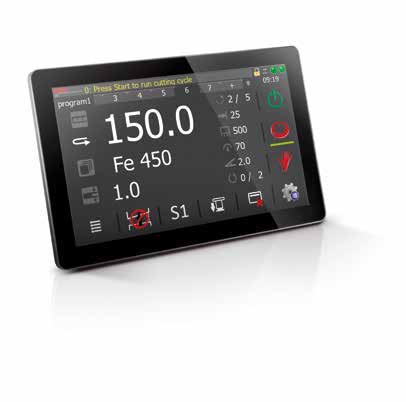
S820 →
7-inch screen · 3 axes. Compact control for straightforward numerical bending programs. Its smaller display and three-axis specification make it a different class of interface from the S840 W.
ESA bending systems · Brochure guide
Explore the standard S840 W, compare ten VIS-600/800 controllers and understand the software, guidance and drive systems behind the bending workflow.
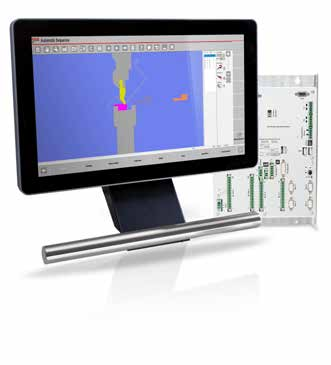
The BENDRYX standard platform is S840 W, not W Lite. It combines a 15.6-inch screen with graphical 2D part and tool preparation. The brochure lists four axes with six as an option; 2D optimization is optional and 3D optimization is not listed.
Integrated interfaces, from numerical entry to graphical programming. Compare the software as carefully as the display.
7-inch screen · 3 axes. Compact control for straightforward numerical bending programs. Its smaller display and three-axis specification make it a different class of interface from the S840 W.
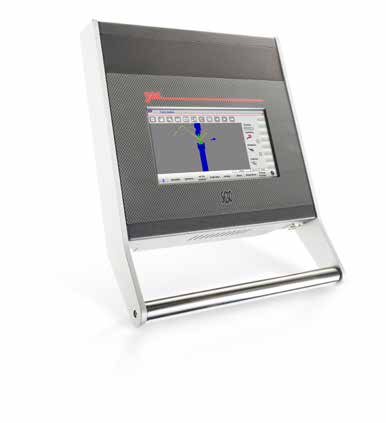
10.1-inch screen · 4 axes. A compact step into graphical bending, with a 10.1-inch operator screen. Specify the graphical software options rather than assuming they are included.
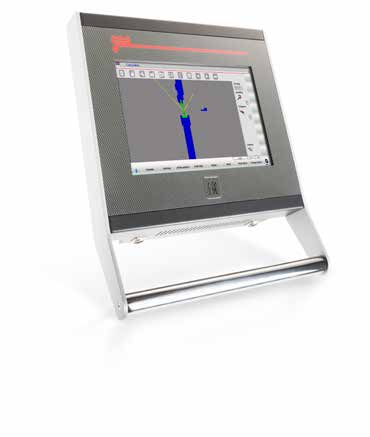
15.6-inch screen · 4; up to 6 optional axes. A larger compact interface for operators who want room to review the part and tools without a separate PC display architecture.
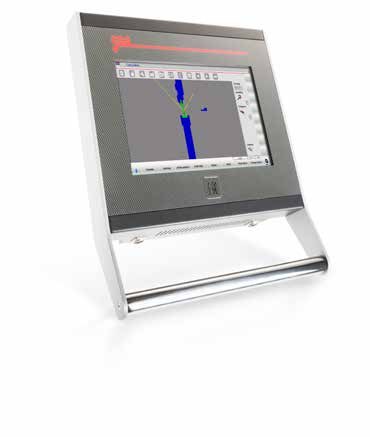
15.6-inch screen · 4; up to 8 optional axes. A compact graphical control with a broader programming feature set. The brochure lists both 2D and 3D optimization for this model.
Choose the operator workspace and the motion-control package together. A larger display does not automatically add programming licenses.
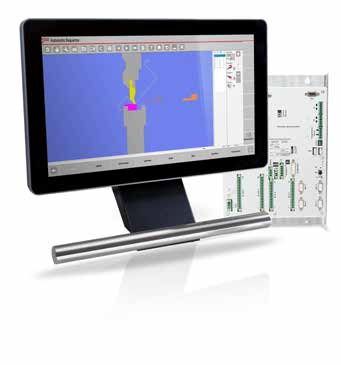
15.6-inch screen · The Lite version uses a different display and panel construction. It is not the same controller as the BENDRYX standard S840 W.
15.6-inch screen · BENDRYX standard platform
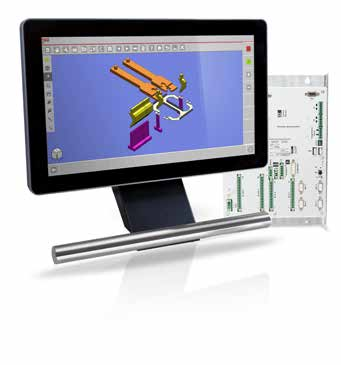
15.6-inch screen · A programming-led step up in the same 15.6-inch format. Compare the optimizer and software package, not just the screen size.
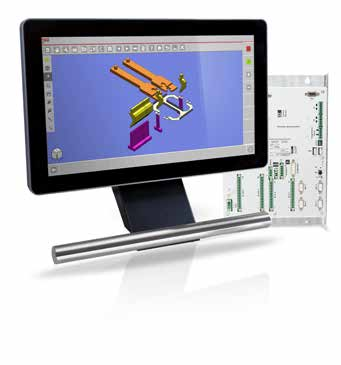
18.5-inch screen · An 18.5-inch Full HD workspace for reviewing more of the bending process. Advanced programming and machine interfaces remain configuration choices.
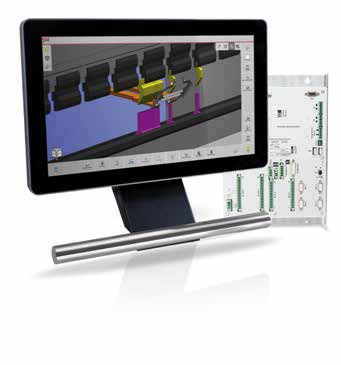
21.5-inch screen · A 21.5-inch Full HD display for a larger view of parts and process information. Check mounting reach and operator sight lines alongside software requirements.
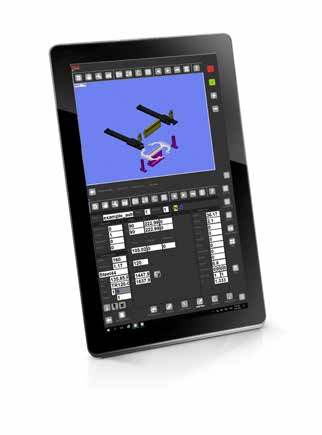
32-inch screen · A large vertical-format operator interface. Choose it for the workspace and workflow, not as an automatic increase in machine accuracy or bending capacity.
Explore each layer of the bending workflow, with original brochure illustrations and clear integration notes.
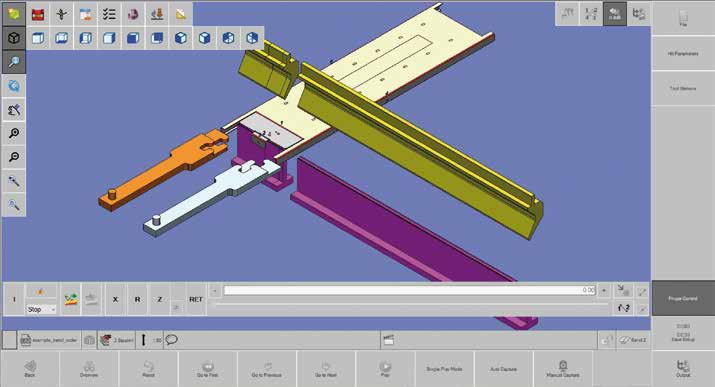
Move preparation off the machine.
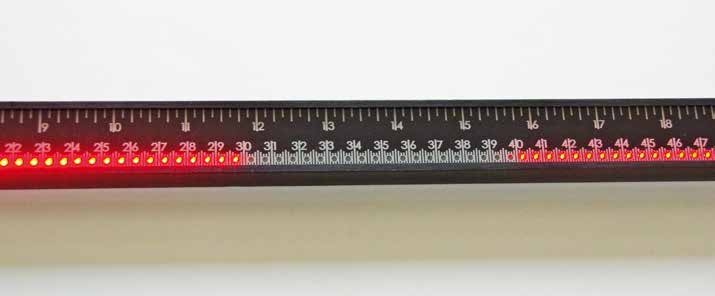
Show the operator where to work.
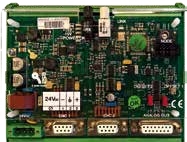
Match the electronics to the axes.
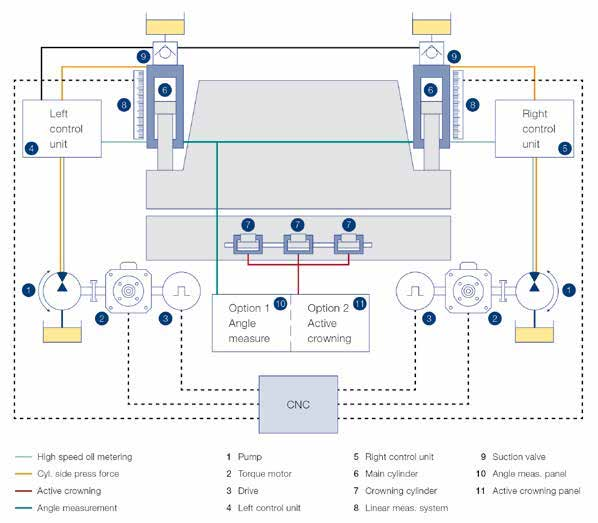
Servo-controlled pumping. Hydraulic bending force.
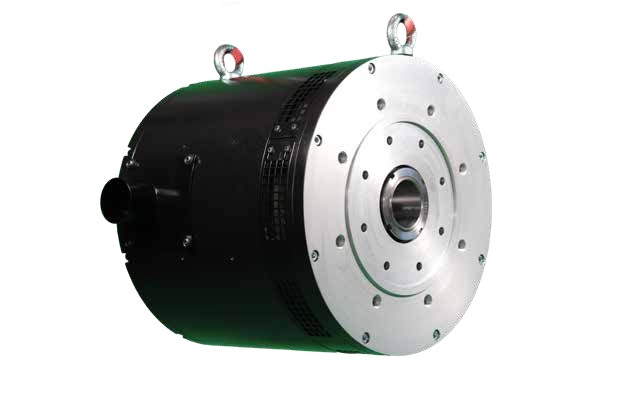
Mechanical force transmission. CNC coordination.

Connect the machine to the production workflow.
Understand the job beyond the cycle count.
“Listed” refers to the manufacturer brochure, not an installed machine package. Swipe the table on a smaller screen.
| Model | Screen | Axes | 2D optimizer | 3D optimizer |
|---|---|---|---|---|
| S820 | 7″ | 3 | Not listed | Not listed |
| S630 | 10.1″ | 4 | Optional | Not listed |
| S640 | 15.6″ | 4; up to 6 optional | Optional | Not listed |
| S650 | 15.6″ | 4; up to 8 optional | Listed | Listed |
| S840 W Lite | 15.6″ | 4; up to 6 optional | Optional | Not listed |
| S840 W | 15.6″ | 4; up to 6 optional | Optional | Not listed |
| S850 W | 15.6″ | 4; up to 8 optional | Listed | Optional |
| S860 W | 18.5″ | 4 base; expansion subject to integration | Listed | Optional |
| S875 W | 21.5″ | 4 base; expansion subject to integration | Listed | Optional |
| S890 W | 32″ | 4 base; expansion subject to integration | Listed | Optional |
Higher W-series expansion maxima depend on rack, firmware and licenses. We do not present brochure maxima as an installed BENDRYX axis count.
ESA manufacturer reference, not a guarantee of the equipment installed on any individual BENDRYX machine. The quotation determines rack, axis count, software licenses and accessories. ESA S840 W is our standard platform; other models and systems require application and availability confirmation.
Images and specification reference: ESA VIS-600/800 bending brochure (2024), printed pages 10–55. Manufacturer illustrations retain their original appearance. Published brochure values should be reconfirmed against the current supplied configuration.
Tell us your machine, parts, gauging and programming requirements. We will confirm the control and options in your quotation.