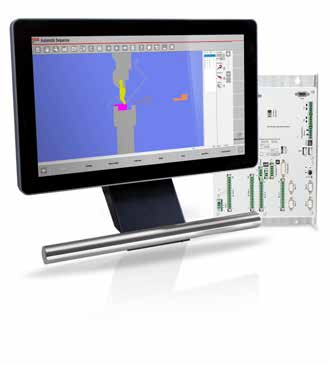
BENDRYX standard platform
ESA S840 W
A 15.6-inch operator interface for graphical 2D part preparation. Specify the axis package and optional software to suit your machine.
Explore ESA controls →From drawing to bend
The right CNC helps your operator prepare parts, position tooling and work through a repeatable bending sequence. Start with your parts and programming process—not the biggest screen.
Two paths to production
A 15.6-inch operator interface for graphical 2D part preparation. Specify the axis package and optional software to suit your machine.
Explore ESA controls →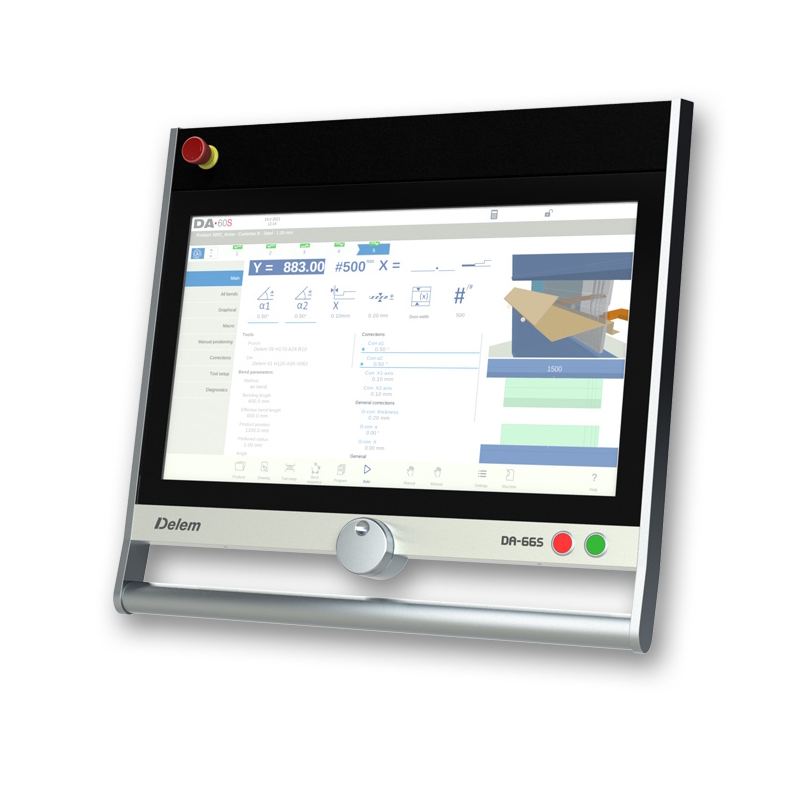
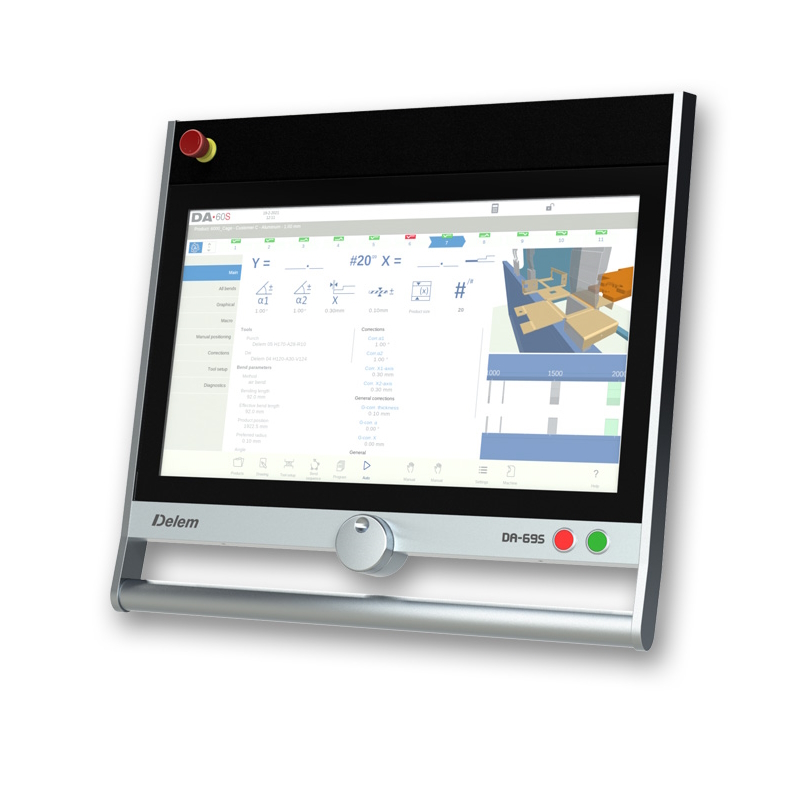
DA-66S for 2D programming; DA-69S adds 3D programming. Both provide a large 24-inch display and 3D machine representation.
Explore the S series →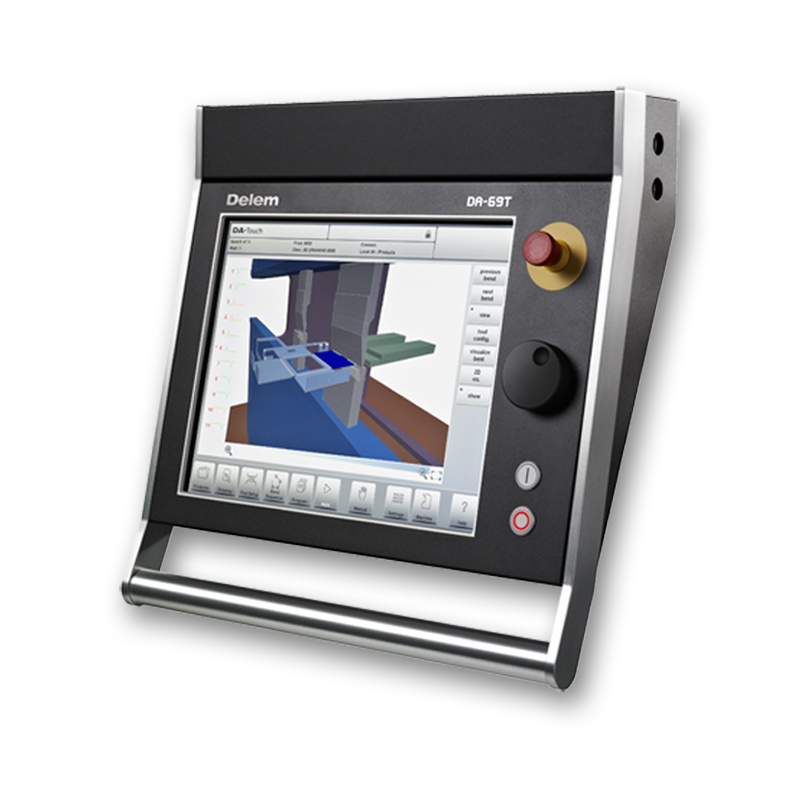
A 17-inch interface with DA-66T 2D or DA-69T 2D/3D programming. Discuss this family when matching an existing shop workflow.
Explore the T series →A control can show a 3D machine without letting you create a 3D part directly on the screen.
Enter a part’s cross-section, flange dimensions and bend angles. This is a practical starting point for profiles whose bends can be described in a section view.
Review the part, tooling and machine in space. Simulation helps reveal handling and clearance issues, but its usefulness depends on accurate tooling and machine data.
Plan work on an office PC while the press brake runs. Confirm file formats, software licenses and a machine-specific postprocessor before choosing a package.
On smaller screens, swipe the comparison horizontally.
| Control | Display | Part programming | Offline / selection note |
|---|---|---|---|
| ESA S840 W | 15.6″ | 2D graphics; 2D optimizer optional | Confirm the quoted software package |
| Delem DA-66S | 24″ | 2D; 3D machine representation | Profile-S2D |
| Delem DA-69S | 24″ | 2D and 3D | Profile-S3D |
| Delem DA-66T | 17″ | 2D; 3D machine setup | Profile-TL |
| Delem DA-69T | 17″ | 2D and 3D | Profile-T3D |
A CNC’s maximum axis capacity is not the installed backgauge specification. Y1/Y2 ram axes, backgauge axes and other functions must be counted against the exact machine configuration. Software, sensors and automatic correction options must be confirmed in the quotation.
Specifications: ESA bending brochure, printed pages 12–21 and the individual Delem manufacturer references. Other CNC configurations, including Cybelec, are available for discussion; compatibility and availability require confirmation.
Built around your parts
Send your drawings, material, existing CNC preference and backgauge requirements. BENDRYX will confirm the controller, software options and machine integration in your quotation.