Protect the proven version
Save a working copy before restructuring a released program. Insertion, copying, pasting and moving are different operations; a paste may replace the target step rather than add a new one. Review the resulting sequence in full.
Use the reference screens below alongside this explanation. Select an image to inspect its original size.
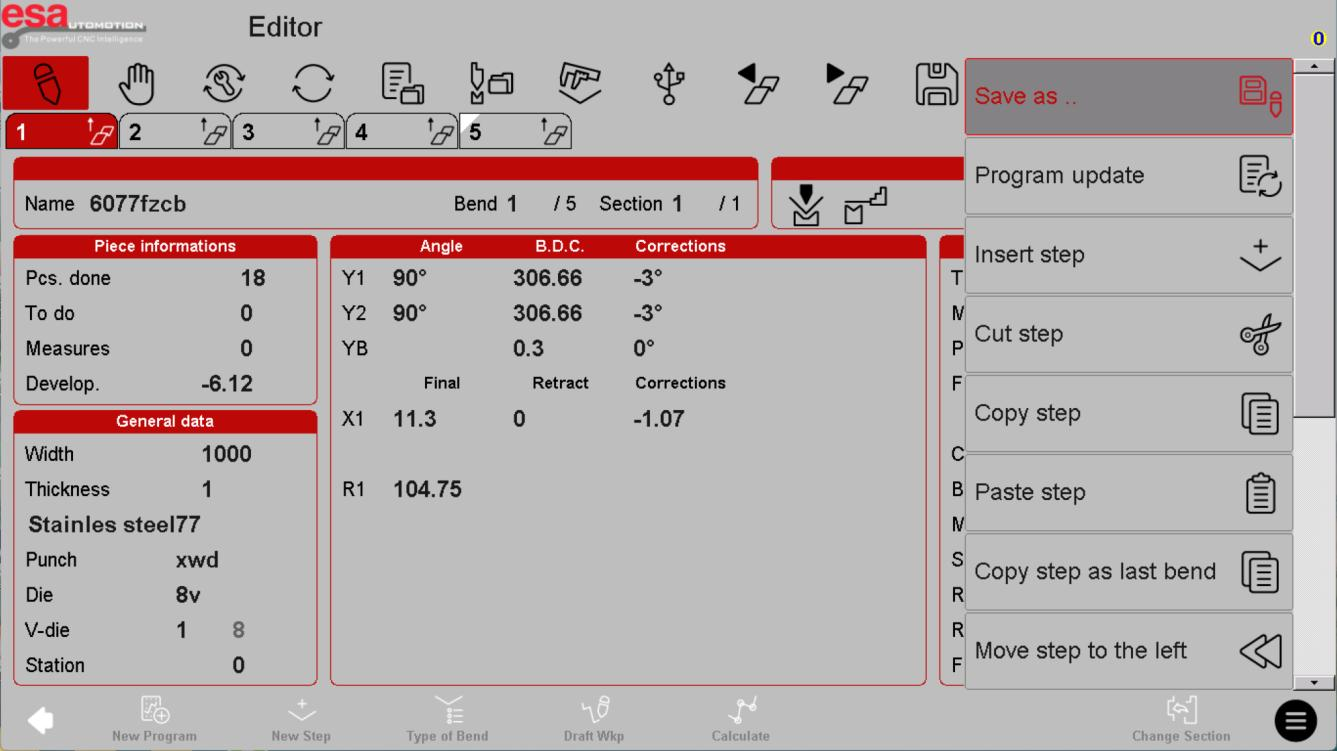
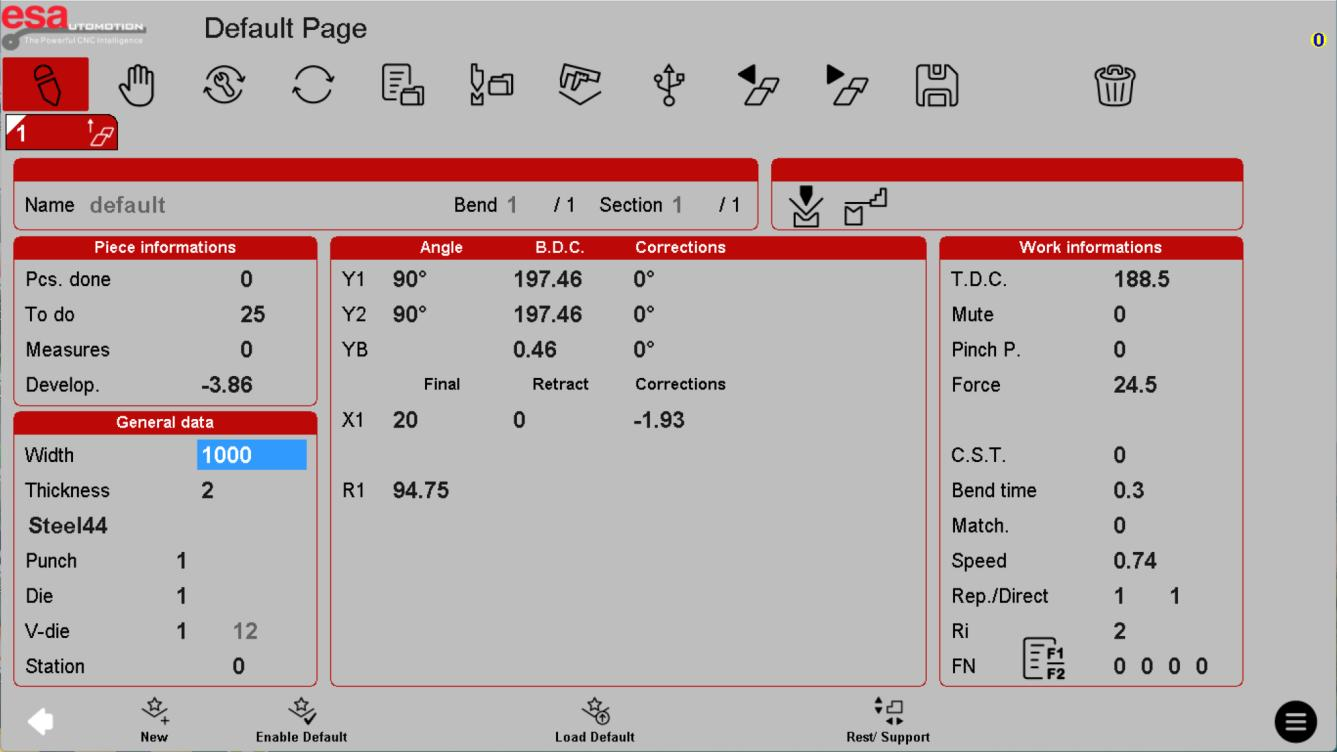
Check the change scope
The reference offers choices that can affect one bend, the entire program or matching-angle bends. When changing tools, material or dimensions, read the confirmation carefully and review every affected step.
Use the reference screens below alongside this explanation. Select an image to inspect its original size.
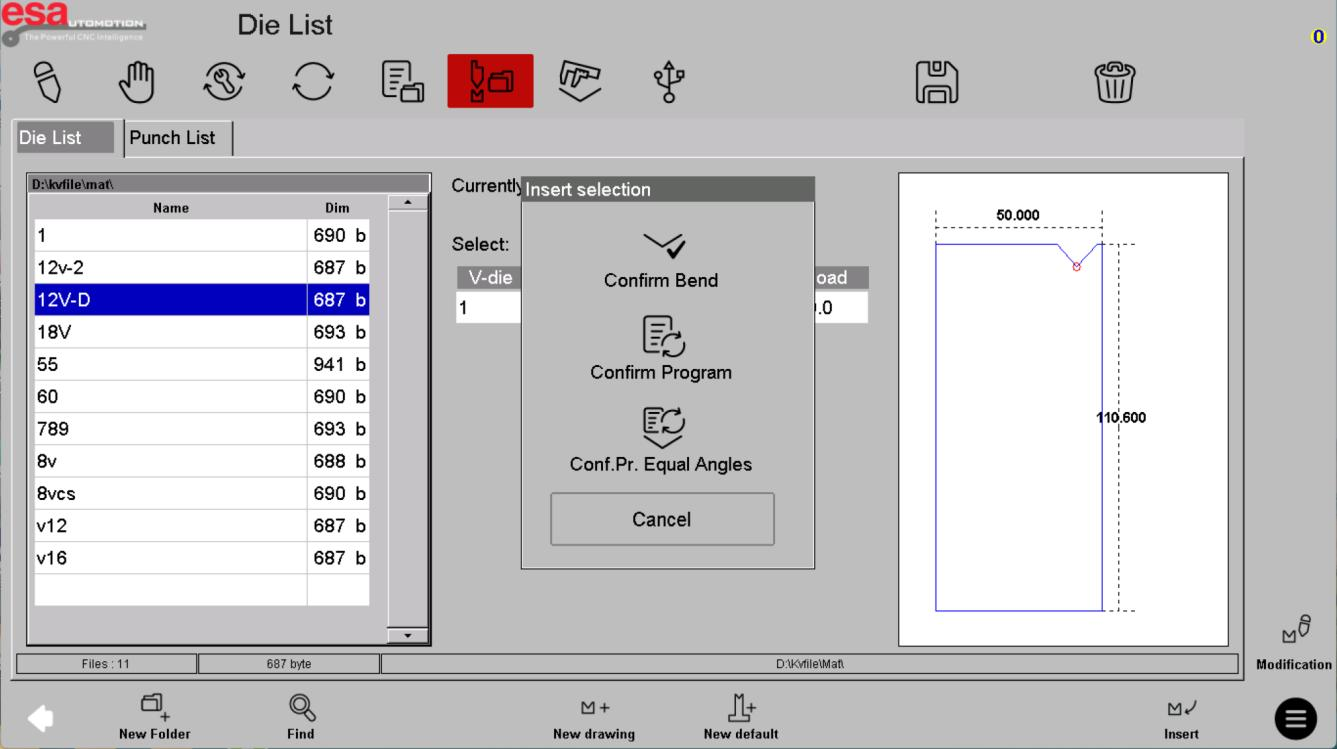
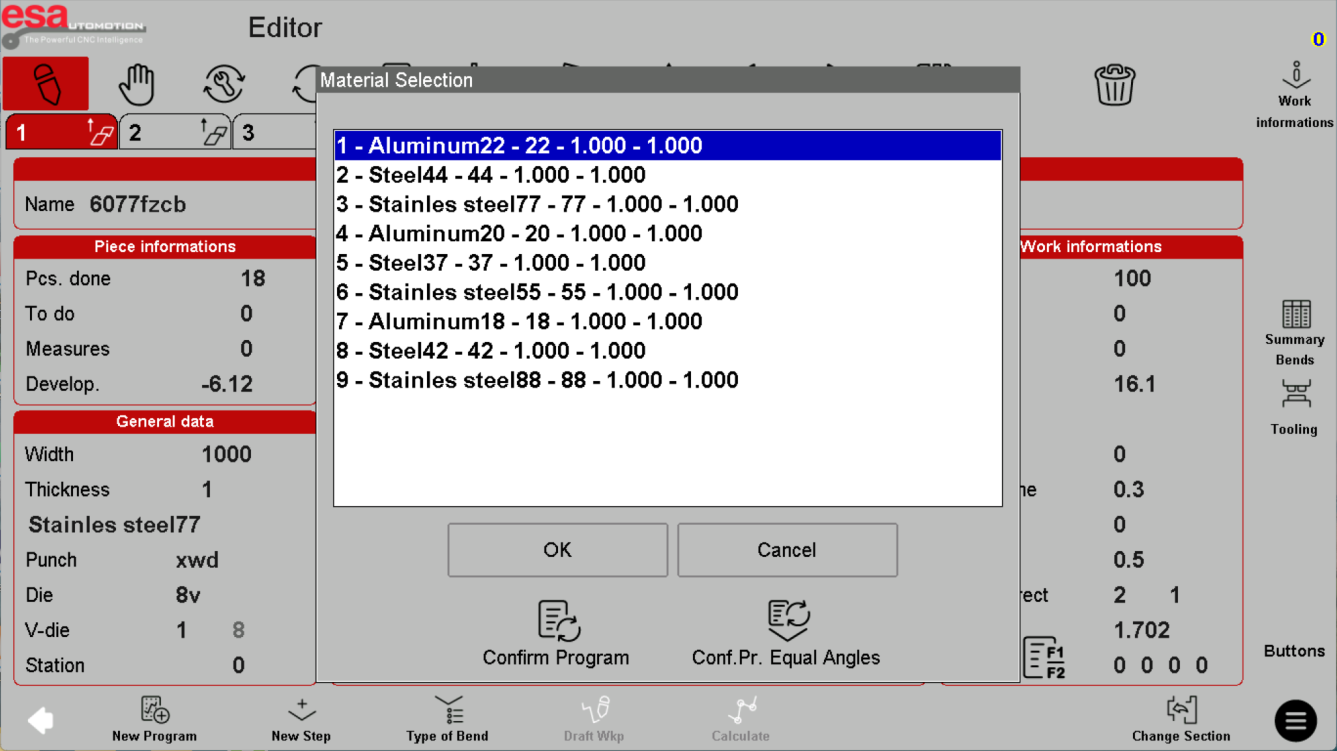
Revalidate after recalculation
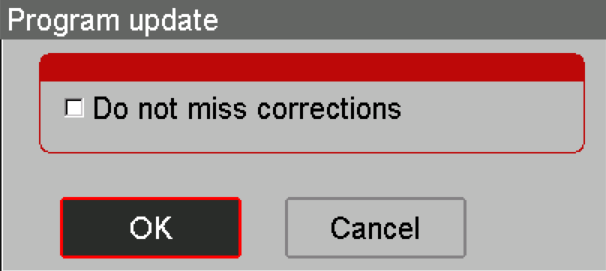
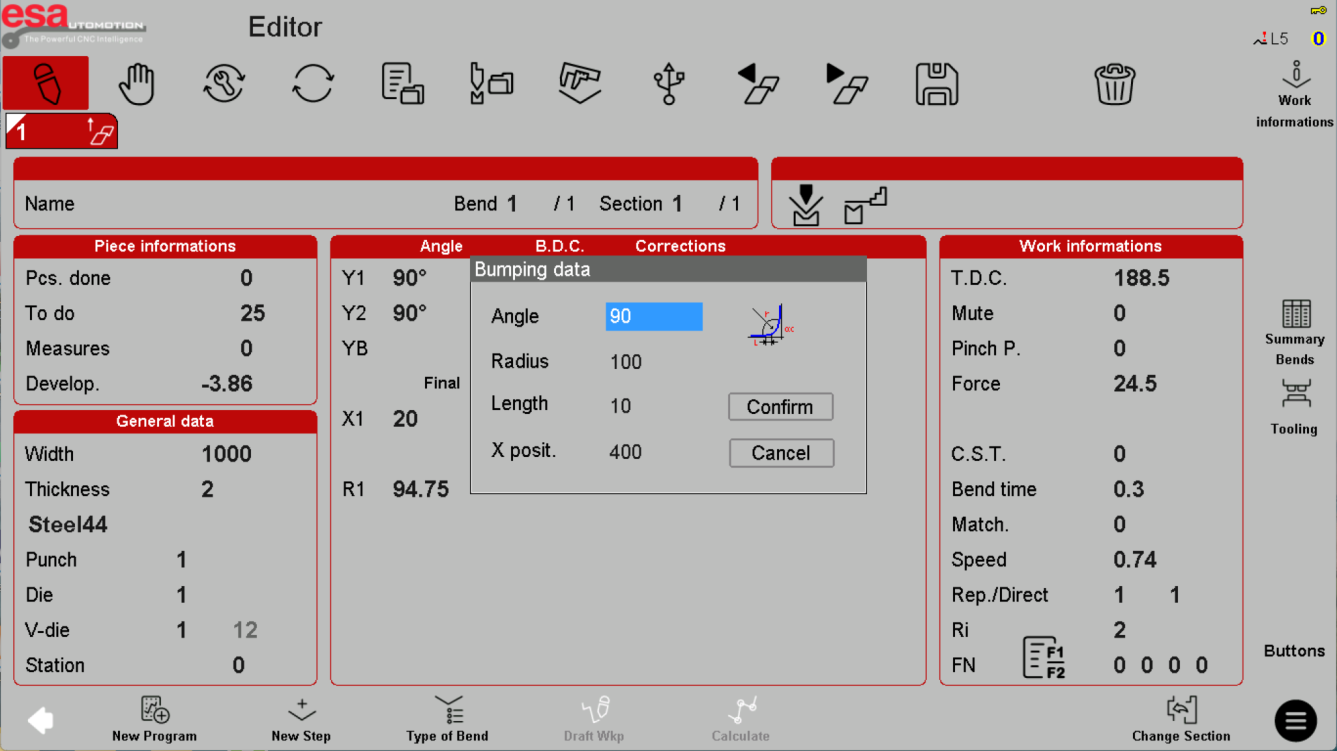
A program update can recalculate values and may have an option concerning existing corrections. Confirm exactly what is retained. Bumping adds a sequence of bends to form an arc; its geometry, tooling and force requirements need a separately validated process, not copied sample values.
Use the reference screens below alongside this explanation. Select an image to inspect its original size.
Before using this on your machine
- Confirm S840 versus S840 W and the installed software revision.
- Check that the documented functions match your licenses and fitted axes.
- Protect released program and tool-library versions before changes.
- Use qualified support for motion, reference, force and safety-related settings.
S840 W specifications and option notes →
Discuss your control requirements →BENDRYX educational commentary with permission-based S840 reference screenshots. This lesson is not a machine certification, a commissioning instruction or a replacement for the supplied operating manual.