Use the approved verification procedure
Semi-automatic operation still causes hazardous machine motion. The reference screen shows the selected bend, programmed and current values, corrections and status indicators. It is not a substitute for supervised setup training.
Use the reference screens below alongside this explanation. Select an image to inspect its original size.
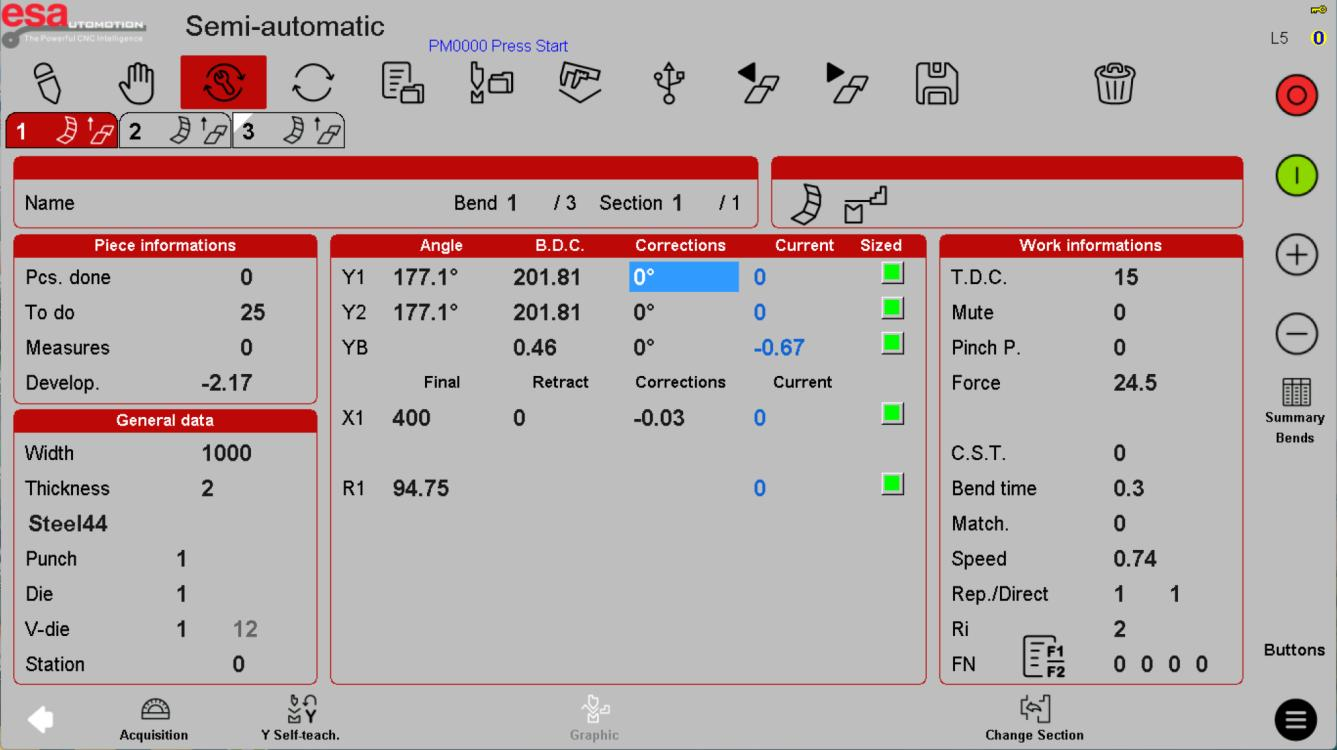
Measure before changing a correction
Record the actual result with the approved inspection method. Confirm whether a correction applies to the current bend, matching angles, a section or the whole job. Do not assume the sign or unit convention from another software version.
Use the reference screens below alongside this explanation. Select an image to inspect its original size.
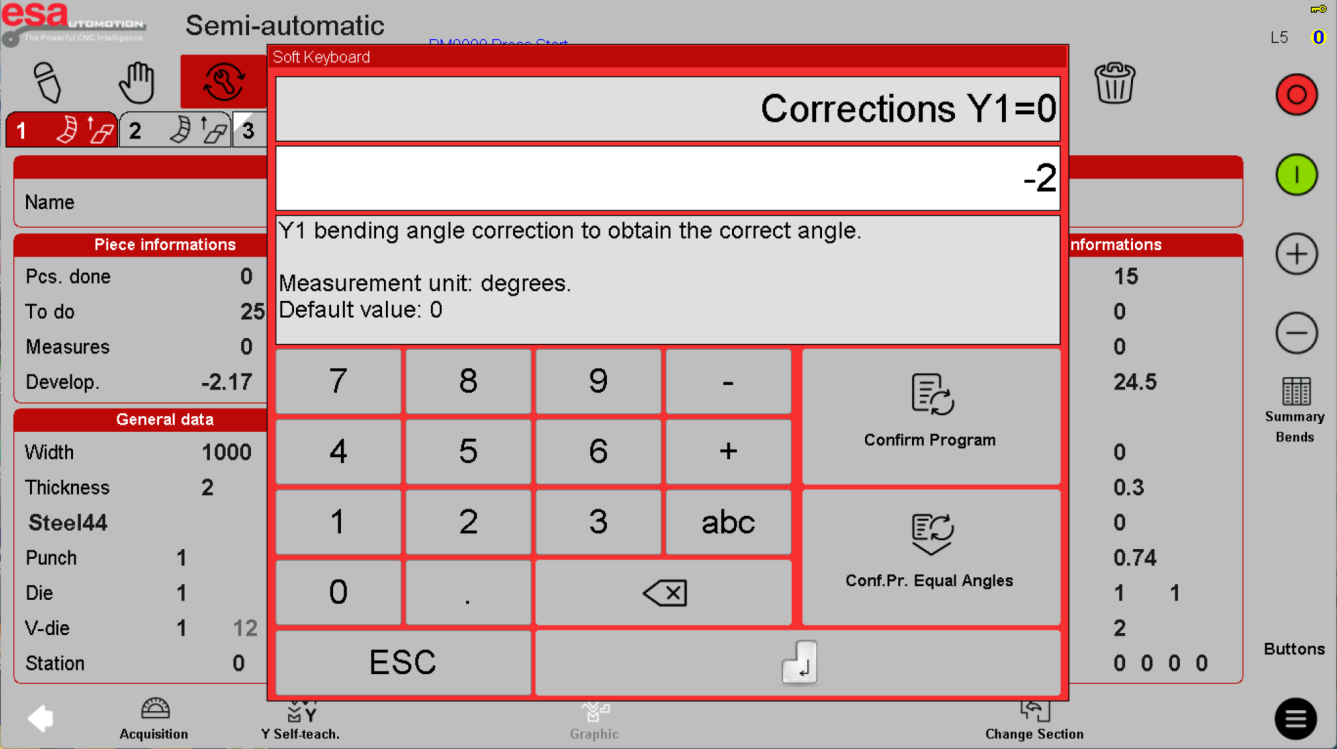
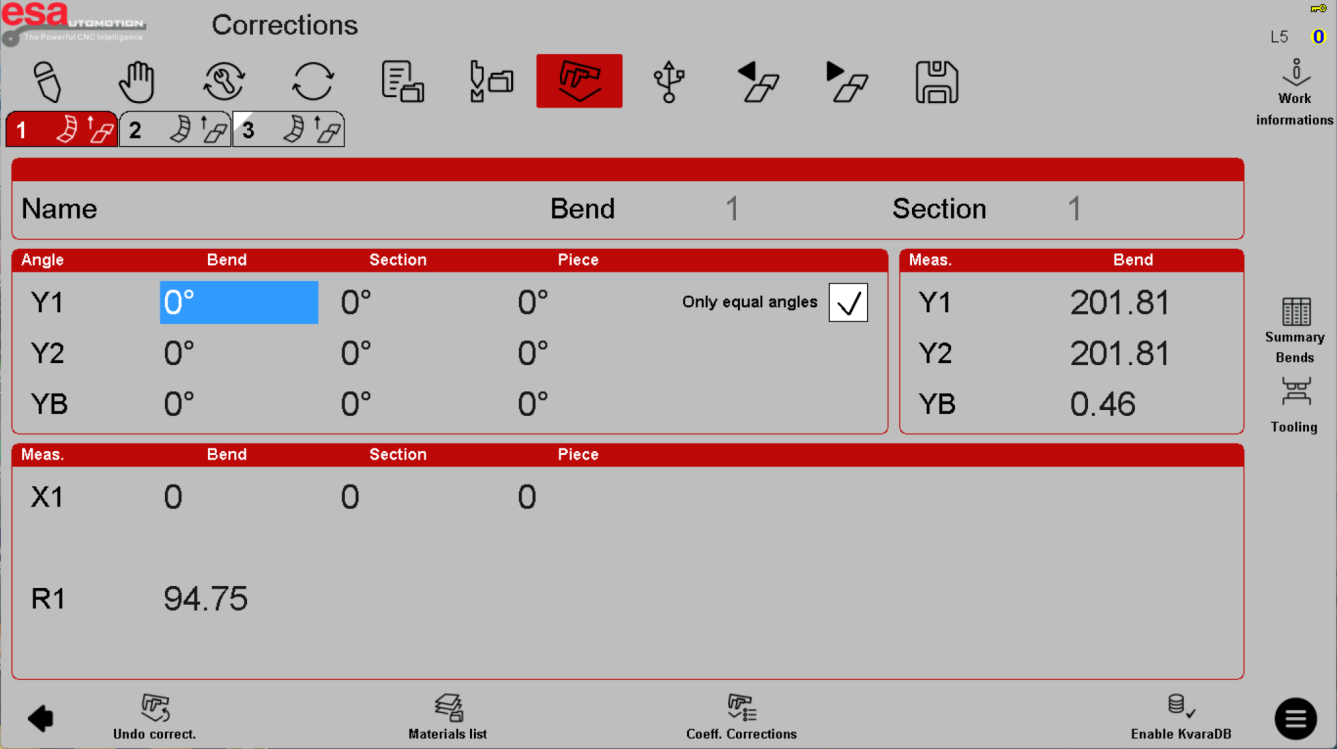
Keep calibration separate
Acquisition, crowning compensation and Y-position teaching are not interchangeable with simple program editing. Their implementation depends on the machine. Use authorized support for calibration and teaching; do not use sample screen values or jog sequences to establish a new reference.
Use the reference screens below alongside this explanation. Select an image to inspect its original size.
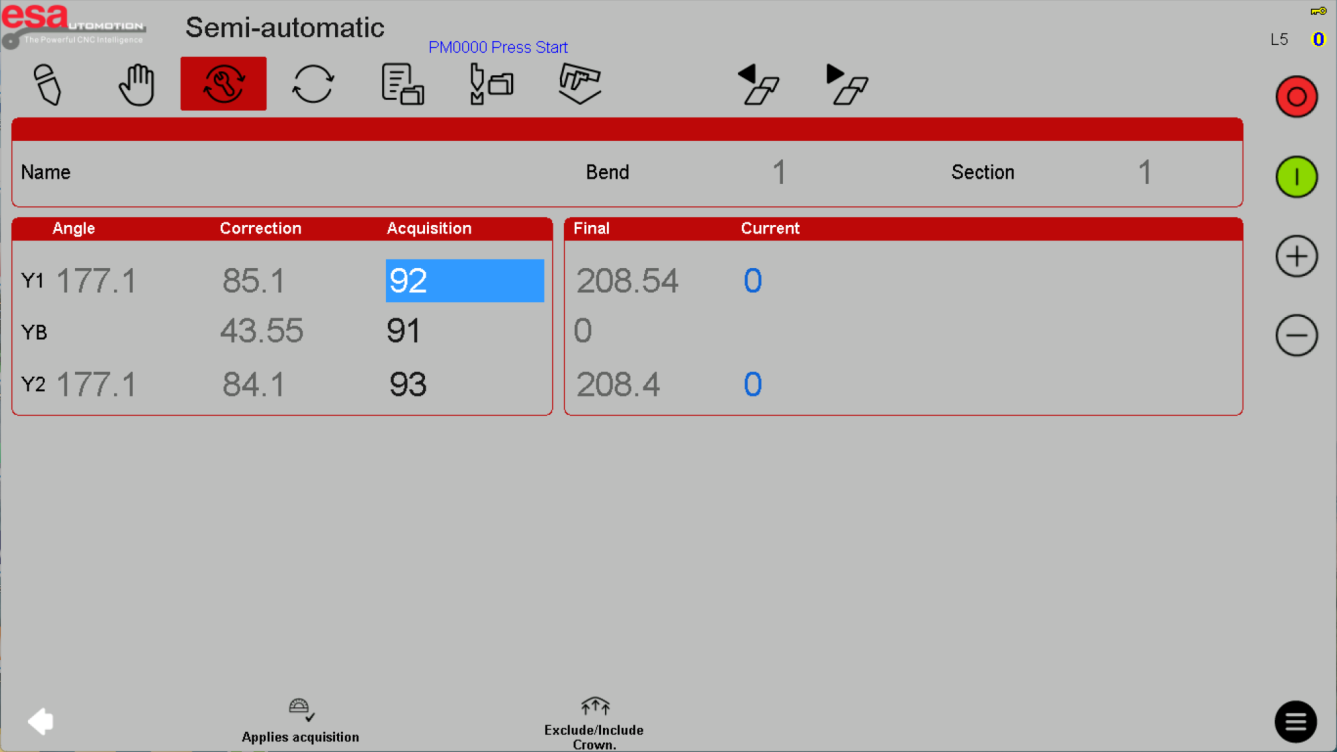
Before using this on your machine
- Confirm S840 versus S840 W and the installed software revision.
- Check that the documented functions match your licenses and fitted axes.
- Protect released program and tool-library versions before changes.
- Use qualified support for motion, reference, force and safety-related settings.
S840 W specifications and option notes →
Discuss your control requirements →BENDRYX educational commentary with permission-based S840 reference screenshots. This lesson is not a machine certification, a commissioning instruction or a replacement for the supplied operating manual.