Locate the correct revision
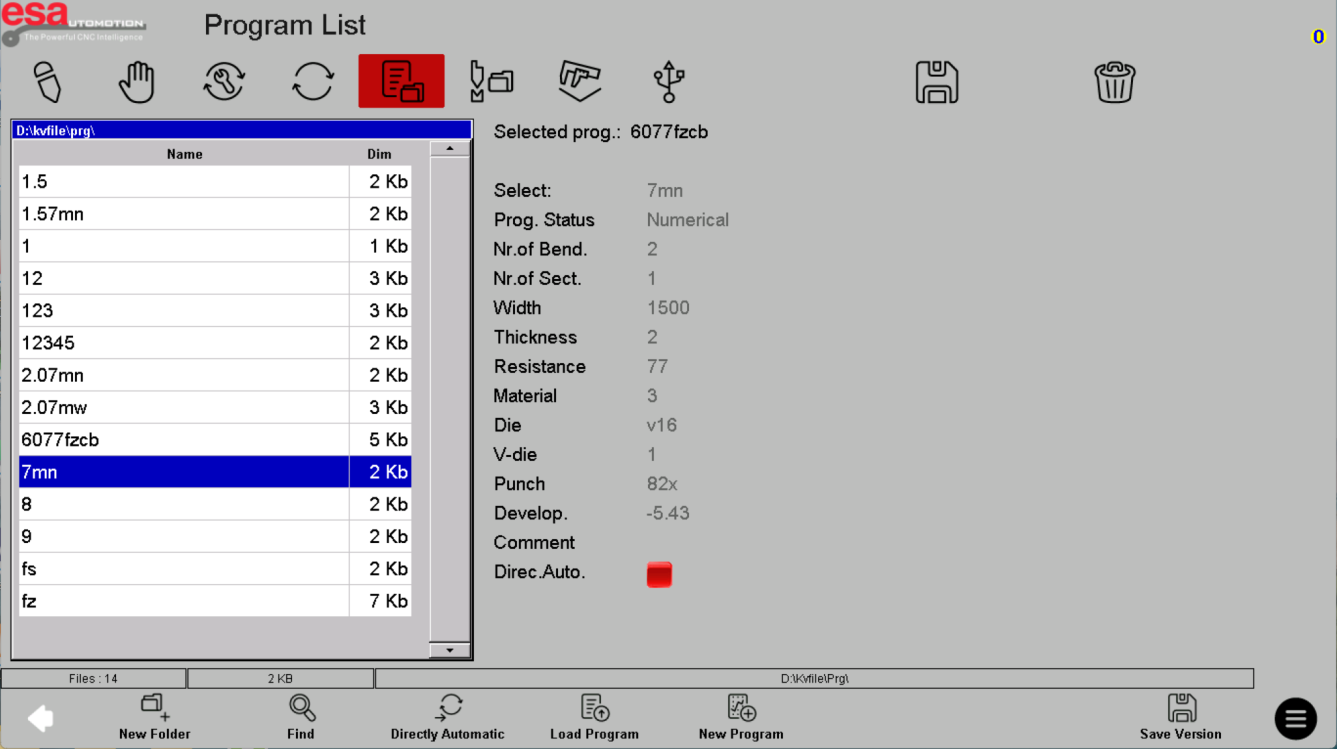
Use the program list to find the released job, checking its name and storage path. In the example, the file selection on the left has a summary on the right. Compare material, thickness, bend count and tool identifiers with your job record.
Compare the selected file and the summary beside it.

Load for review, not immediate production
The screenshot includes a Load Program action as well as a Directly Automatic action. For a job that has not been verified on the installed machine, load it for review rather than treating a shortcut as production approval.
Inspect the selected job before using a load or production shortcut.
Keep the library predictable
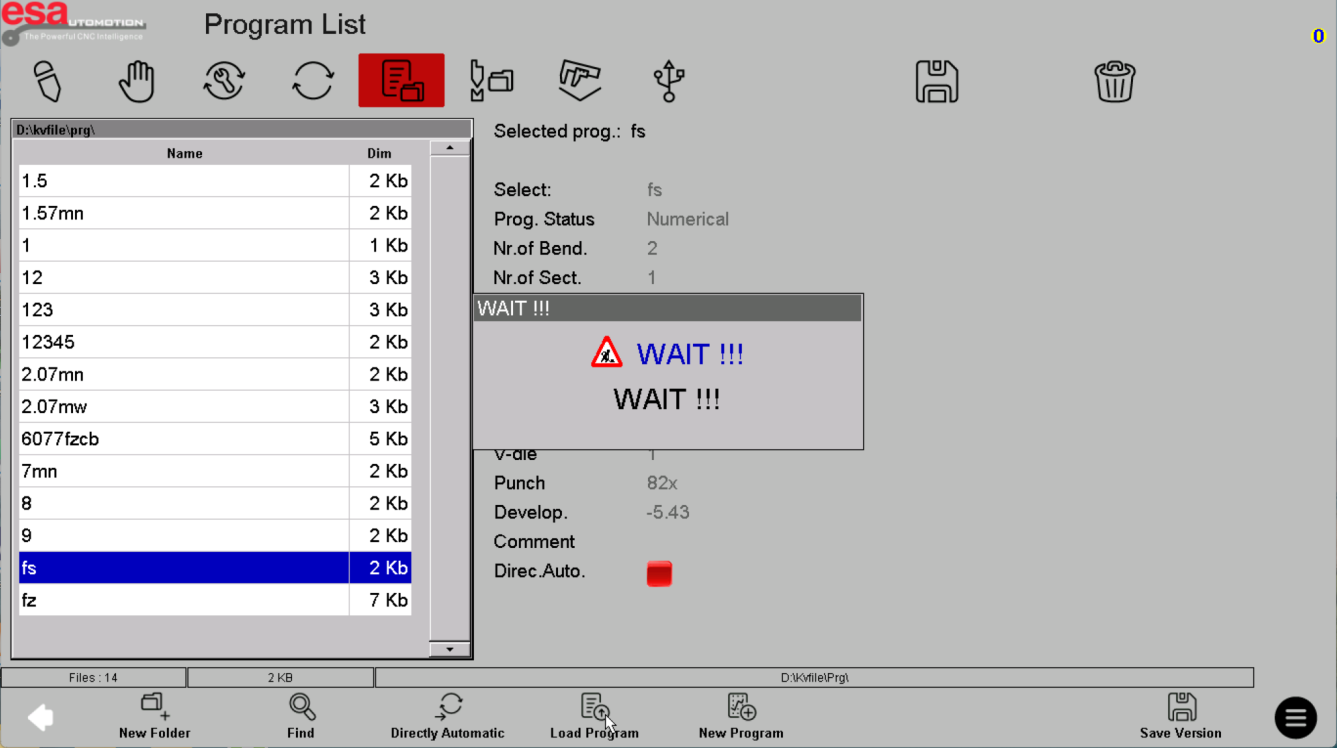
Use descriptive names and maintain a released copy separate from experiments. Check whether you are looking at local or external storage. If two versions look similar, resolve the revision before changing data or running the machine.
Same program-list reference: check the directory and file identity before saving another revision.
Before using this on your machine
- Confirm S840 versus S840 W and the installed software revision.
- Check that the documented functions match your licenses and fitted axes.
- Protect released program and tool-library versions before changes.
- Use qualified support for motion, reference, force and safety-related settings.
S840 W specifications and option notes →
Discuss your control requirements →BENDRYX educational commentary with permission-based S840 reference screenshots. This lesson is not a machine certification, a commissioning instruction or a replacement for the supplied operating manual.