Read the mode before the values
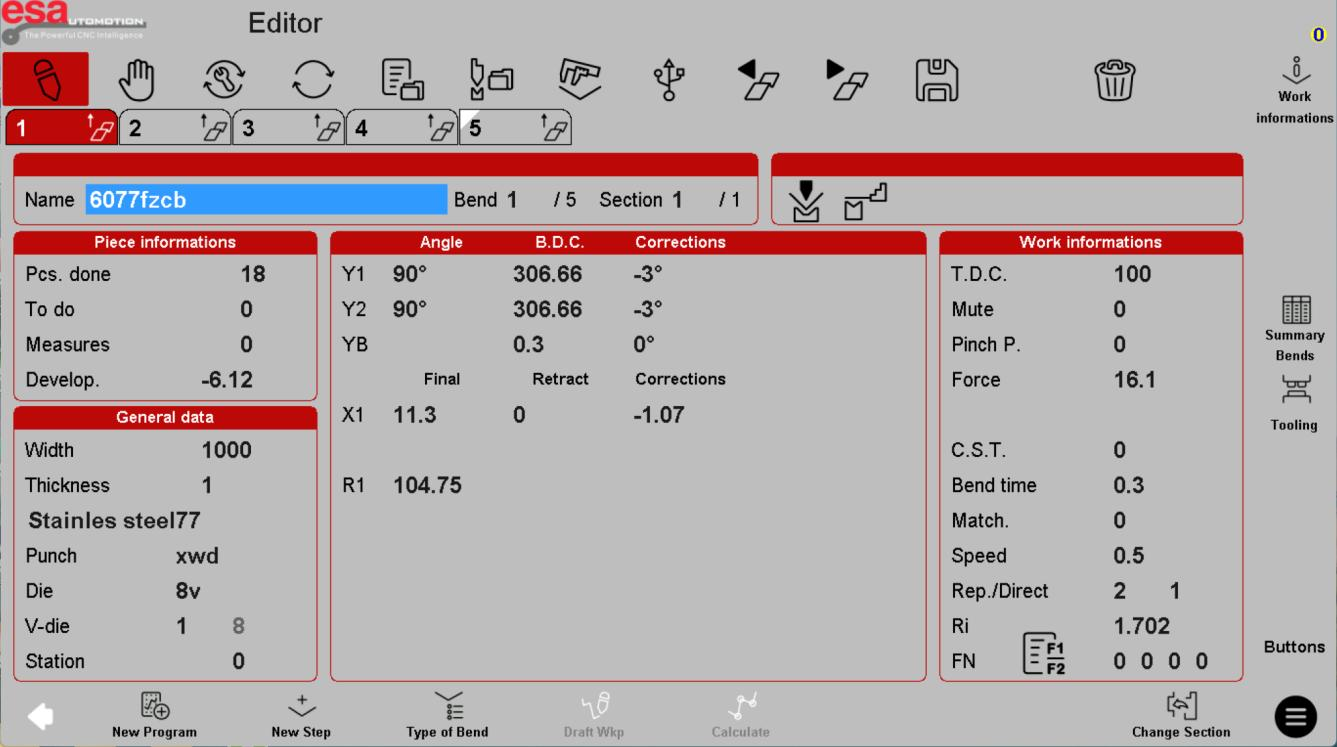
The screen title identifies the current workspace. The reference editor places navigation across the top, bend steps below it and job information in the main area. A selected program name is not proof that the physical machine is ready to run.
Use the reference screens below alongside this explanation. Select an image to inspect its original size.
Inspect the work-information panel
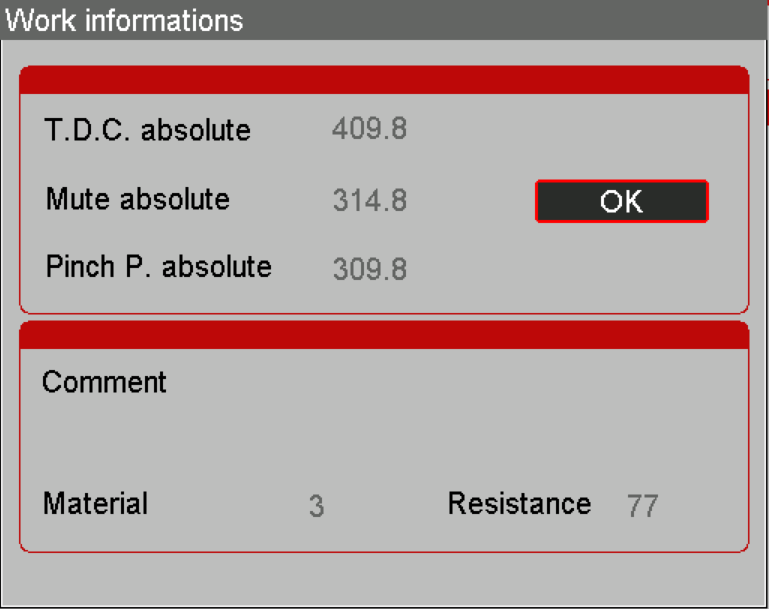
The editor overview above separates general data, axis information and work information. This closer view shows cycle-related fields in the work-information panel. Treat the values in these screenshots as examples only, not a recipe for your machine.
Use the reference screens below alongside this explanation. Select an image to inspect its original size.
Review the bend summary
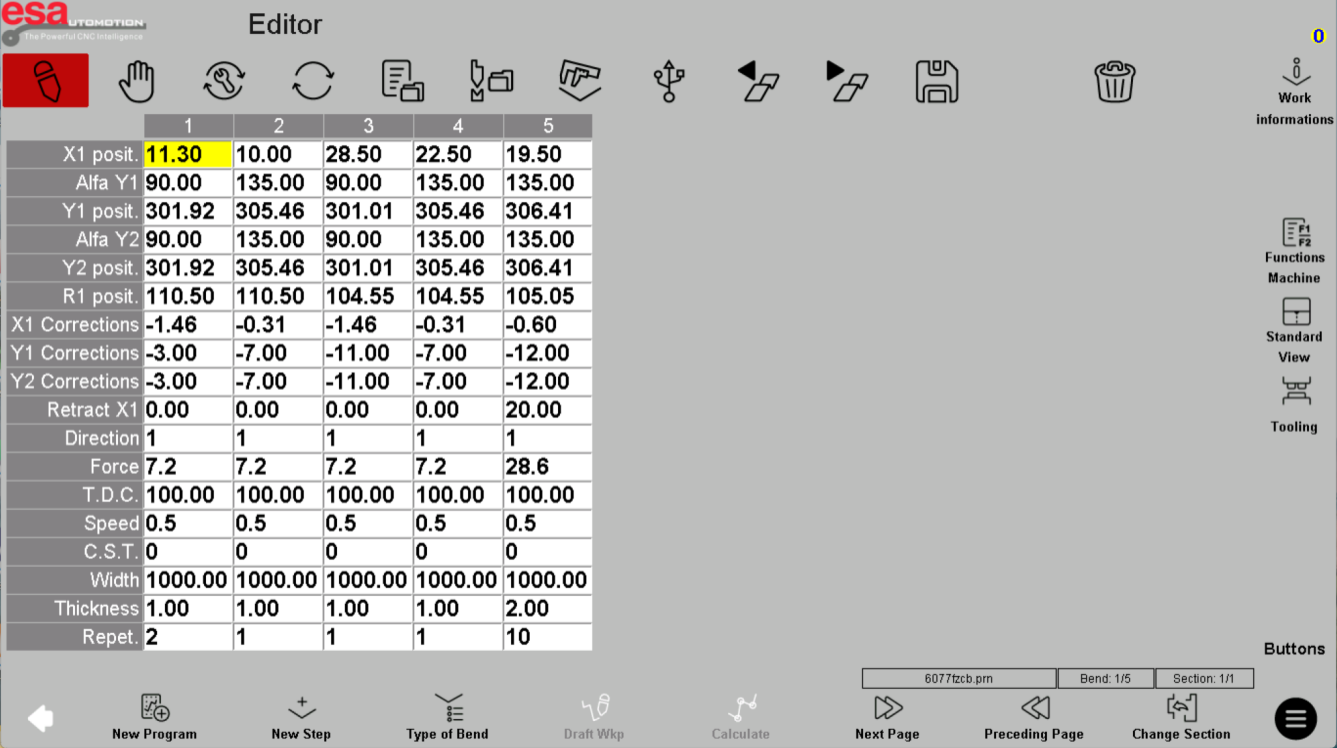
The bend-summary screen collects the programmed steps for a wider review. Check the sequence against the approved job before moving to an operating mode. Only trained operators should use the motion modes, following the supplied machine manual. An S840 W installation may use different labels, options or control logic.
Use the reference screens below alongside this explanation. Select an image to inspect its original size.
Before using this on your machine
- Confirm S840 versus S840 W and the installed software revision.
- Check that the documented functions match your licenses and fitted axes.
- Protect released program and tool-library versions before changes.
- Use qualified support for motion, reference, force and safety-related settings.
S840 W specifications and option notes →
Discuss your control requirements →BENDRYX educational commentary with permission-based S840 reference screenshots. This lesson is not a machine certification, a commissioning instruction or a replacement for the supplied operating manual.