Identify the selected axis
The reference shows individual axis values and selection highlighting. Confirm the actual fitted axes with the machine documentation. Selecting an axis and commanding movement are separate actions with different consequences.
Use the reference screens below alongside this explanation. Select an image to inspect its original size.
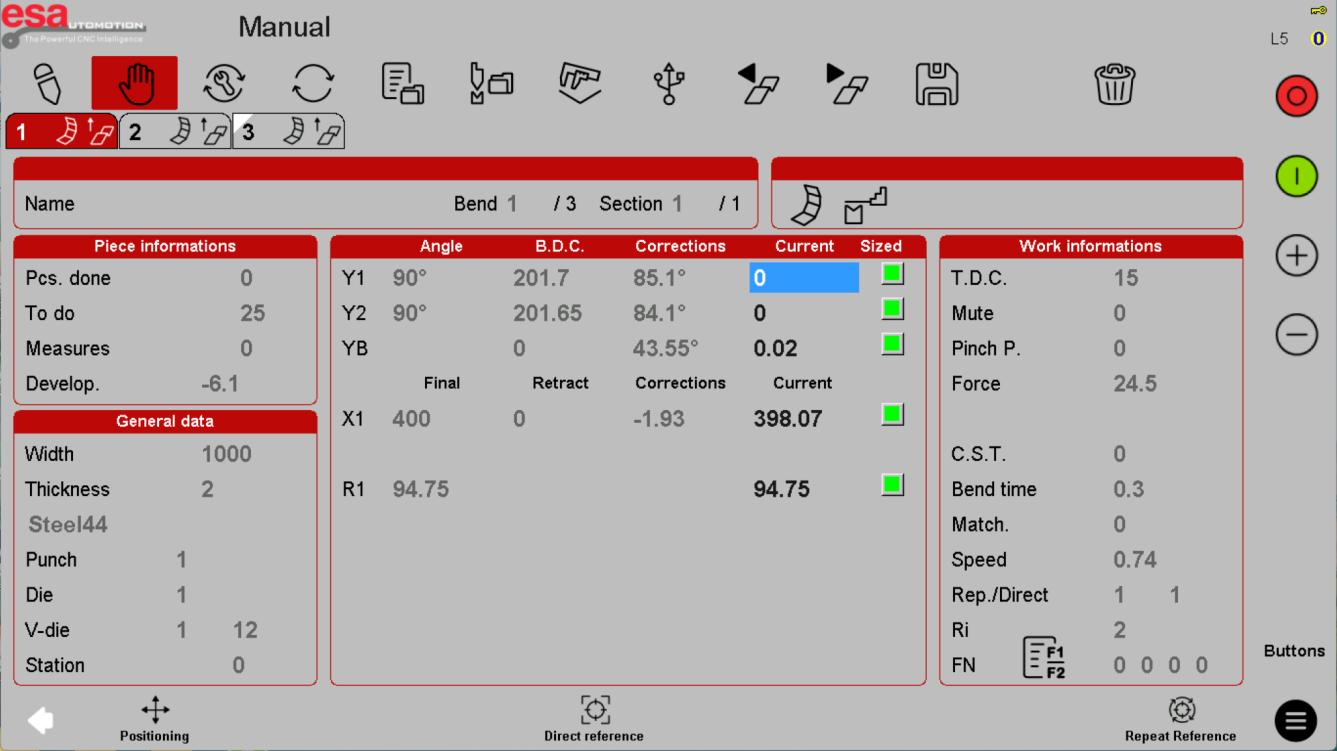
Treat a target as a motion command
A positioning dialog is not just a display preference. Entering and executing a target can move machinery. This lesson intentionally does not prescribe jog directions, pedals or start-button sequences; use supervised training and the exact installed-machine procedure.
Use the reference screens below alongside this explanation. Select an image to inspect its original size.
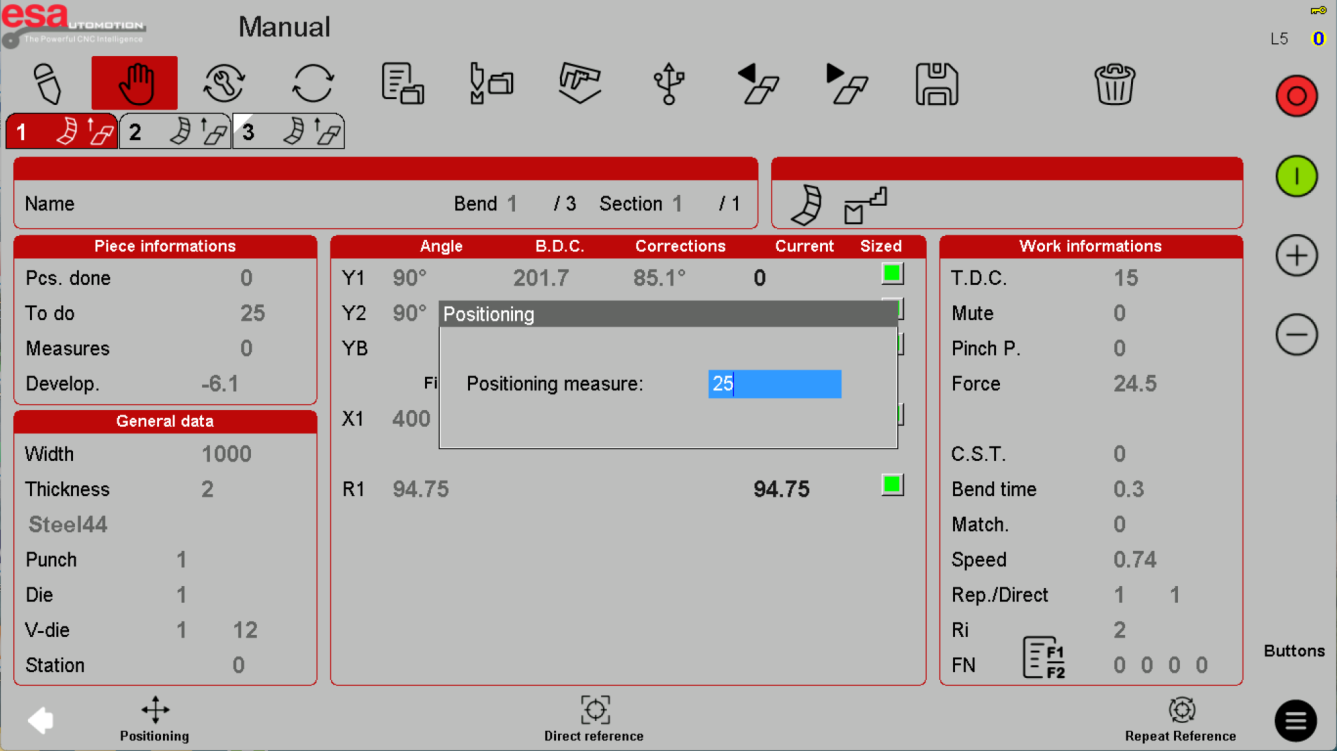
Do not confuse referencing with correction
Homing establishes a reference through the designed sequence. Origin correction changes the position interpretation. A status colour is not a safety release. Unexpected reference or position behaviour needs qualified diagnosis rather than an arbitrary offset.
Use the reference screens below alongside this explanation. Select an image to inspect its original size.
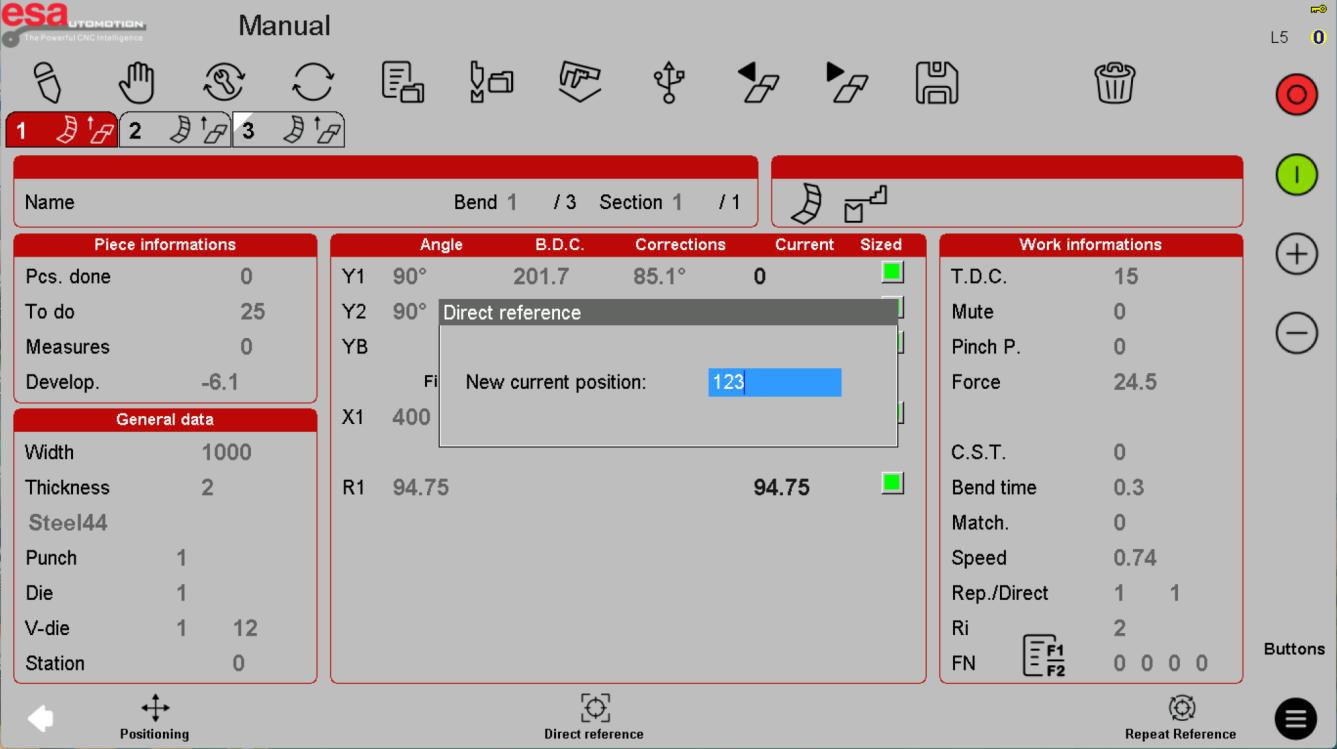
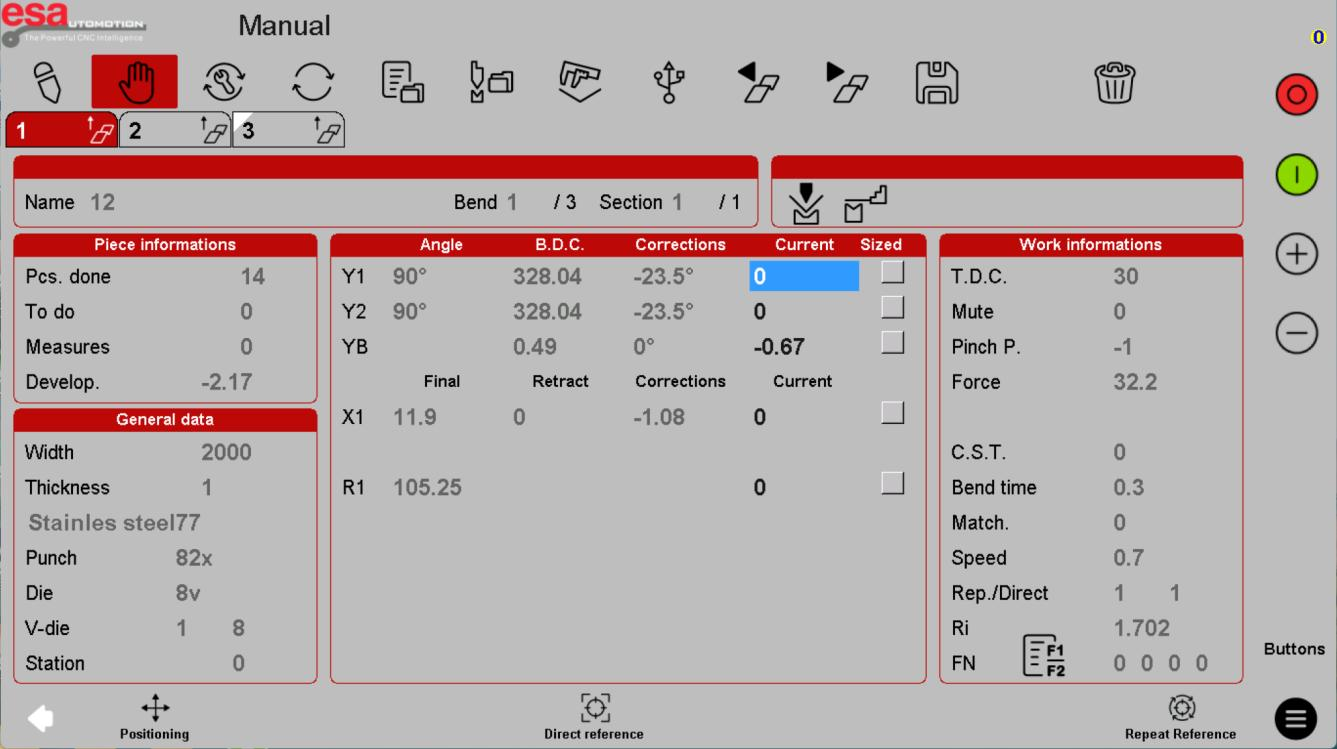
Before using this on your machine
- Confirm S840 versus S840 W and the installed software revision.
- Check that the documented functions match your licenses and fitted axes.
- Protect released program and tool-library versions before changes.
- Use qualified support for motion, reference, force and safety-related settings.
S840 W specifications and option notes →
Discuss your control requirements →BENDRYX educational commentary with permission-based S840 reference screenshots. This lesson is not a machine certification, a commissioning instruction or a replacement for the supplied operating manual.